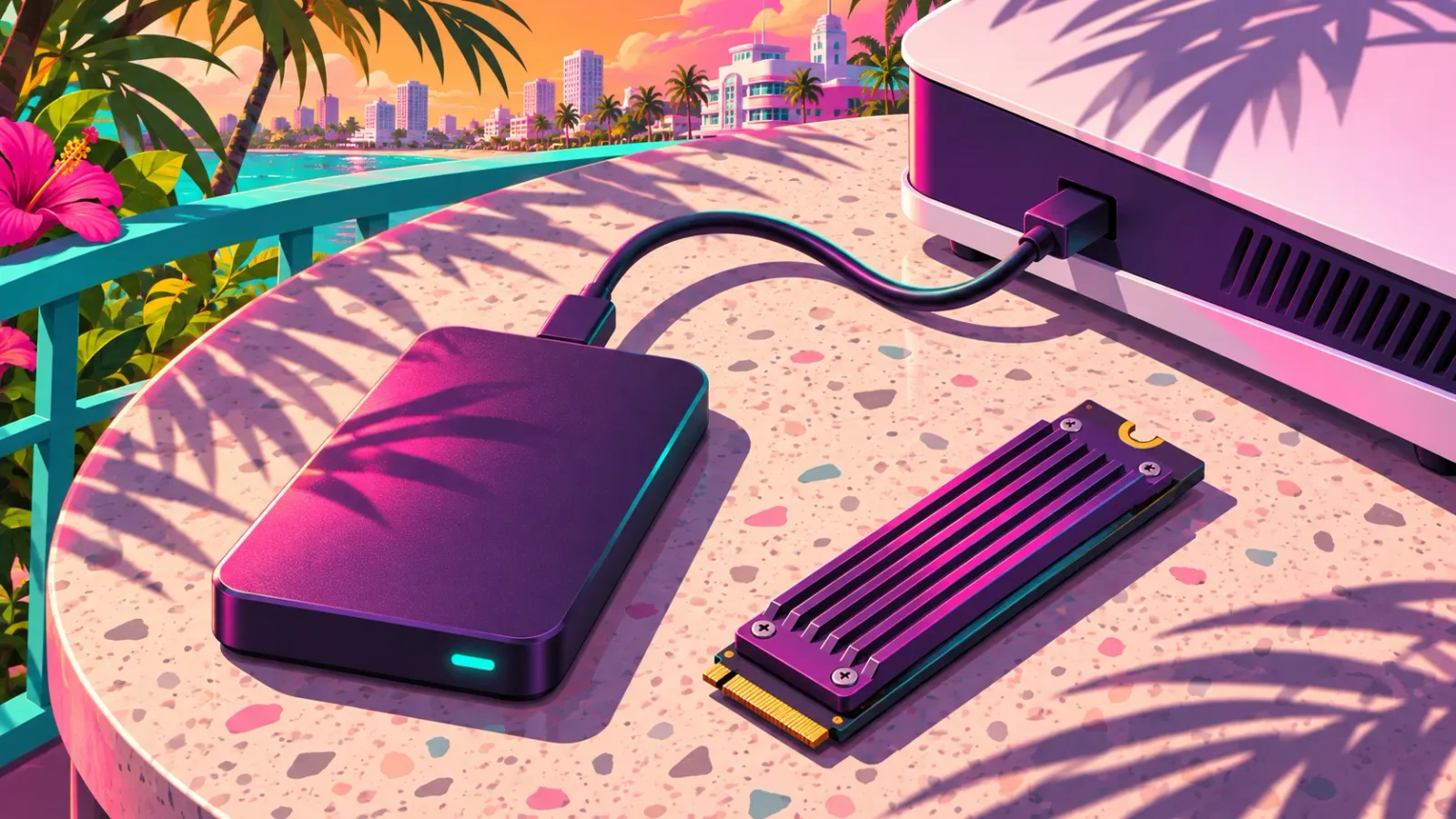
To make room for GTA 6 on PS5, move games you are not playing to USB extended storage, then install GTA 6 on the console SSD or a compatible internal M.2 SSD. A USB drive can hold PS5 game files, but cannot run them.
Rockstar’s current release page, checked November 10, still lists November 19, 2026. Its installation requirement is up to 212 GB of available space, depending on your device, also reported by GamesRadar. For the download schedule, see our release and preload guide.
Which storage should you clear?
| Storage on your PS5 | Can run PS5 games? | How it helps with GTA 6 |
|---|---|---|
| Built-in console SSD | Yes | Clear space here for the installation |
| Compatible M.2 SSD fitted inside the console | Yes | An alternative installation location if you have one |
| USB external HDD or SSD | No | Move other games here to free space on an SSD that can run GTA 6 |
These are the PS5’s storage rules, documented by PlayStation Support and independently explained in TechRadar’s internal-versus-external storage comparison. An external SSD is still USB storage: buying a faster external drive does not remove the restriction.
Move other games before starting the download
If you already have a USB drive configured as extended storage:
- Open Settings → Storage and check the free space on the SSD where you plan to install GTA 6.
- In Game Library, highlight an installed game you can set aside. Press the controller’s options button and select Move Games and Apps.
- Select the games to transfer, then Move. If both M.2 and USB storage are connected, use the Movable to USB Extended Storage tab.
- When the move finishes, check the destination SSD’s free space again before starting the GTA 6 download.
The current menu wording comes from Sony’s USB storage instructions; Push Square’s transfer guide corroborates selecting installed games and moving them to USB.
A planning example: if your console SSD has 150 GB free, you are 62 GB short of Rockstar’s 212 GB ceiling. Moving an 80 GB game would leave about 230 GB free. That calculation is an example, not a measured GTA 6 installation. Space on another drive does not close the gap until you move something off the SSD you intend to use.
Choose what you can put aside
Move PS4 games you still enjoy if they are taking up console space: they can run directly from USB extended storage. Move PS5 games you are finished with or willing to pause: you will need to copy them back to console or compatible M.2 storage before playing again. Sony’s storage table and Push Square explain that distinction.
If you want more PS5 games installed and playable at once, an internal M.2 expansion serves that purpose. Check Sony’s compatibility requirements before choosing one. If moving games already frees enough room, you can prepare for GTA 6 with the storage you have.
On Xbox, or for what Rockstar has and has not said about requirements, see the console requirements guide.